My process, step by step
Steps 1 to 5 happen once, in the first week or two. Steps 6 to 10 repeat every month, and each month gets a little sharper because of what the numbers tell us.
- 1
Discovery: get to know your business
Before I post anything, I need to understand what you sell, who buys it and what makes you different. This is a short call plus a simple onboarding form.
What I do
- 30–45 minute discovery call (Zoom or Google Meet)
- Send an onboarding form you can fill in your own time
- Collect your logo, brand colors, fonts and photos
- Set up access the safe way: you add me as a partner in Meta Business Suite, so I never need your password
What you get
- A one-page business summary for your approval
- A shared folder for brand assets and content
- Clear agreement on how we communicate and approve posts
Questions I ask your business
- What do you sell, and which products or services matter most right now?
- What makes you different from competitors?
- What is your price range, and any current promos?
- Where do your customers come from today?
- What have you posted before? What worked and what didn't?
- Who are your main competitors (local or online)?
- How should the brand sound: friendly, expert, playful, premium?
- Any words, topics or claims we must avoid?
- Busy seasons, events or launches coming up?
- Who approves posts, and how fast?
- Monthly budget for boosting posts, if any?
- What would make the next 3 months a win for you?
- 2
Define your audience
Content works when it speaks to one clear person. I build a simple customer profile so every post has someone specific in mind.
What I do
- Pull what you already know about your best customers
- Check your existing followers in Meta insights (age, gender, location)
- Read comments, reviews and DMs for real questions and objections
- Write 1–2 audience profiles (personas)
What you get
- Audience profile(s) with demographics, problems and buying triggers
- A list of the questions your customers actually ask (great post ideas)
- Best days and times they're online
What goes into an audience profile
- Age range and gender
- Location (city, country, time zone)
- Job, income level and lifestyle
- Problems or goals your product solves
- What stops them from buying (price, trust, timing)
- Which platforms they use most
- What content they enjoy and share
- When they scroll (morning, lunch, late night)
- Words and phrases they use
- What makes them finally book or buy
- 3
Audit your accounts and competitors
I look at where you are now and what others in your space are doing, so we keep what works and skip what doesn't.
What I do
- Review your profile: name, photo, bio, link, highlights, pinned posts
- Find your top and weakest posts from the last 90 days
- Check posting frequency, reply speed and brand consistency
- Study 3–5 competitors: formats, topics, offers and engagement
What you get
- A short audit with quick fixes (e.g. a clearer bio, a booking link)
- Competitor notes: what to borrow, what to do better
- A starting baseline so we can measure growth
- 4
Set goals and targets
"More followers" isn't a goal. We pick 1–2 goals that tie to your business and decide which numbers will show progress.
Common goals
- Awareness: reach, views, new followers
- Engagement: comments, shares, saves
- Leads: DMs, inquiries, form fills
- Sales or bookings: link clicks, promo code use, appointments
What you get
- 1–2 clear goals for the next 90 days
- The few numbers (KPIs) we'll track every month
- Realistic monthly targets based on your baseline
- 5
Build the content strategy
This is the plan that guides every post: what we talk about, in what format, how often and in what style.
What I do
- Choose 3–5 content pillars (main topics) that match your goals
- Set the content mix: educate, entertain, build trust, sell
- Pick formats per platform: Reels, carousels, Stories, single posts
- Set posting frequency you can sustain
- Create a simple brand look: templates, colors, fonts, caption voice
What you get
- A one-page strategy you can read in 5 minutes
- Reusable post templates in your brand style
- A hashtag and keyword list
- A short brand voice guide (do's and don'ts)
- 6
Plan the monthly content calendar
You see every post before it goes live. The calendar shows dates, topics, formats and captions in one place, so approval is quick.
What I do
- Plan a full month of posts across your pillars
- Add holidays, promos, launches and local events
- Write captions, hooks and calls to action
- Send for approval one week ahead
What you get
- A shared calendar (Google Sheets, Notion or Trello)
- Status on every post: draft, ready for review, approved, posted
- One round of edits included before anything is scheduled
- 7
Create the content
Scroll-stopping visuals and captions that sound like you, built from the strategy, not guesswork.
What I do
- Design graphics and carousels in Canva
- Edit short-form videos in CapCut (cuts, captions, text, music)
- Write captions with a strong first line and a clear next step
- Size everything per platform and keep text in safe zones
What you get
- Ready-to-post graphics, carousels, Stories and Reels
- Captions, hashtags and alt text
- Editable files you own
- 8
Schedule and publish
Approved posts go out at the times your audience is most active, without you having to think about it.
What I do
- Schedule posts in Meta Business Suite (or your preferred tool)
- Post at the best times for your audience's time zone
- Double-check links, tags, spelling and location before posting
- Update bio links and Story highlights when promos change
What you get
- Consistent posting, even on weekends and holidays
- A posted log in the calendar so you can see what went live
- 9
Engage your community
Social media is a two-way conversation. Fast, friendly replies turn followers into customers.
What I do
- Reply to comments and DMs during agreed hours
- Use saved replies for common questions (prices, hours, booking)
- Pass hot leads and complaints to you right away
- Engage with customers, local pages and partners to grow reach
What you get
- An agreed reply time (e.g. within a few hours on business days)
- A simple lead list: who asked, what they asked, follow-up status
- A clear escalation path for anything sensitive
- 10
Track, report and improve
Every month we look at the numbers against your goals, keep what works and change what doesn't. Then the cycle starts again at Step 6.
What I do
- Quick weekly check of what's performing
- Monthly report from Meta insights and platform analytics
- Compare results with last month and with your targets
- Suggest 3 changes for next month
What you get
- A short monthly report in plain language
- Top 3 posts and why they worked
- Next month's plan, updated with what we learned
What the documents look like
Examples for a fictional med spa, Velaré Aesthetics, so you can see the format before we start. All names and numbers are samples.
Audience profile
From Step 2
- Name
- "Busy Bianca"
- Age
- 30–45, mostly women
- Location
- Within 15 miles of the clinic
- Life
- Working professional, values self-care, books on her phone
- Wants
- Natural-looking results, little downtime
- Worries
- Looking "overdone", pain, price, picking the wrong clinic
- Online
- Instagram at lunch and after 8 pm; saves educational posts
- Buys when
- She trusts the provider and sees real results
Content pillars & mix
From Step 5
- Instagram: 4 feed posts + 3 Reels + daily Stories per week
- Facebook: 3 posts per week, shared from Instagram
Content calendar (one week)
From Step 6 · shared in Google Sheets, you approve before anything posts
| Day | Pillar | Format | Topic / hook | Goal | Status |
|---|---|---|---|---|---|
| Mon | Educate | Carousel | "5 things to know before your first filler" | Saves | Approved |
| Tue | Behind the scenes | Reel | Your first consultation, step by step | Reach | Approved |
| Wed | Trust | Post | Client review: "I still look like me" | Trust | Approved |
| Thu | Educate | Story | Q&A sticker: ask us anything about facials | DMs | In review |
| Fri | Offer | Post | Signature facial, 6 slots left this month | Bookings | In review |
| Sat | Behind the scenes | Reel | Room reset in 15 seconds | Reach | Draft |
Monthly report
From Step 10 · sample layout, fictional numbers
- Reach: 64% of views came from non-followers, mostly the Reels tab
- Top post: the filler FAQ carousel (most saves)
- Learned: Reels with a face on screen get more reach
- Next month: 1 more Reel per week, test a Tuesday promo, add a booking highlight
Saved replies for DMs
From Step 9
- Price question: "Hi! Our signature facial starts at $___. Would you like me to check open times for you this week?"
- Booking: "We'd love to see you! You can book here: [link]. Any questions before your visit?"
- Medical question: "Great question. Our licensed provider can answer that properly during a free consultation. Want me to set one up?"
- Complaint: acknowledge, apologize, move to private message, alert the owner the same day
Account audit
From Step 3 · done from the public profile, before we start
- ✗ Name field: "Velaré" only. Add a search keyword: "Velaré · Med Spa Austin"
- ✗ Bio: lists services, but not who it's for or what to do next. Add "Book a free consult ↓"
- ✗ Hooks: 7 of the last 10 posts open with the logo. Lead with the customer's question instead
- ✗ Hashtags: 25 generic tags per post. Use up to 5 keywords people actually search
- ✓ Replies: comments get answered within a day. Keep it up
Top fix: answer real client questions in carousels. That's the content gap: competitors only post promos.
Content idea card
From Step 6 · every post is planned like this before editing
- Pillar
- Educate · awareness
- Format
- Carousel, 8 slides, with audio so it also shows in Reels
- Hook
- "5 things nobody tells you before your first filler"
- Slide 2
- "Number 3 is why some people look 'overdone'" (a second hook)
- Shot list
- Close-up of consultation chair, provider's hands, calm treatment room
- Caption
- Short story from a first-time client, then "Save this for your consult"
- Hashtags
- #austinmedspa #lipfillerfaq #fillertips (keywords people search)
- Success
- Saves and shares
Content samples
What Step 7 looks like in practice: sample sets for fictional brands in different industries.
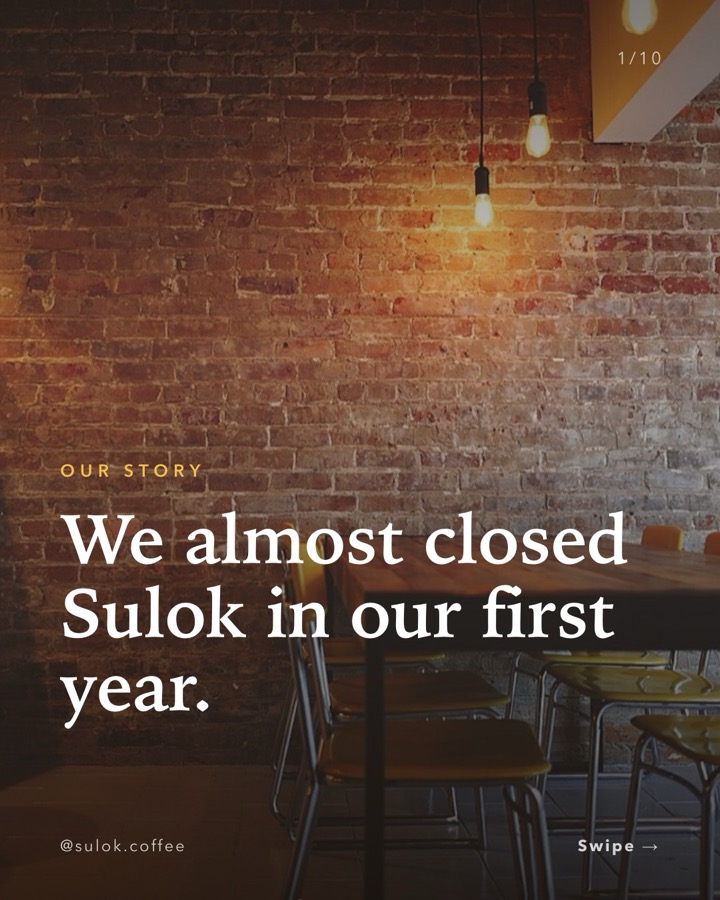
Café: full Instagram month
Every step on one page, plus 2 Trial Reels
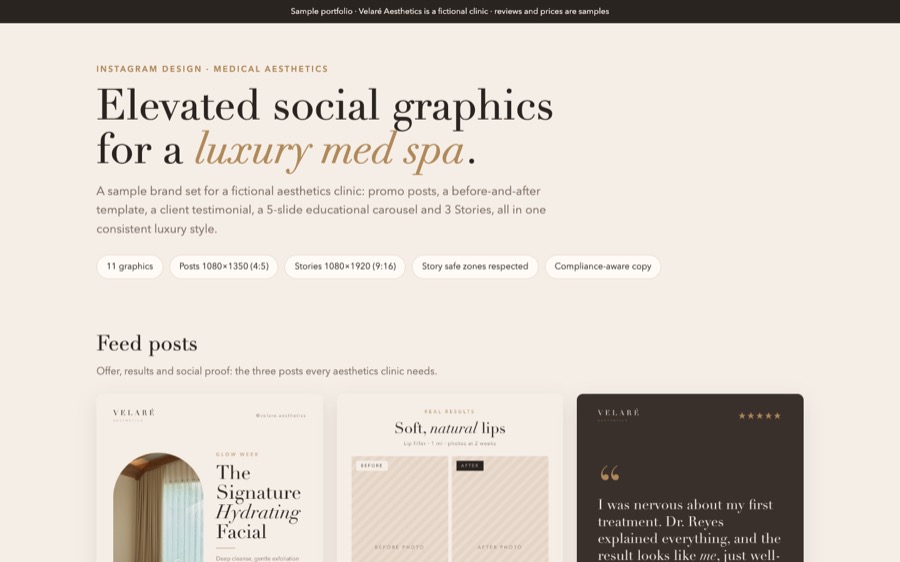
Med spa Instagram
Posts, carousel, Stories and 2 Reels
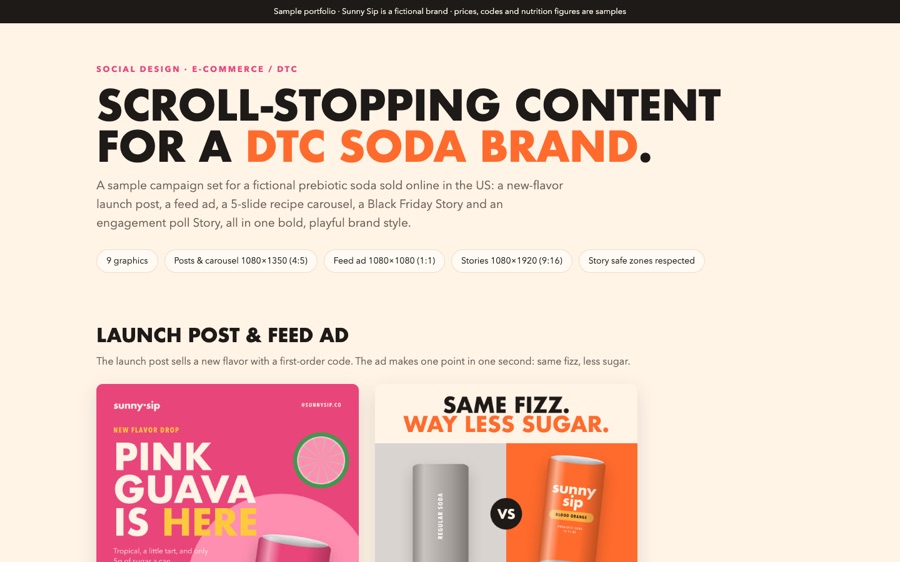
E-commerce brand
Launch post, ad, carousel and Stories
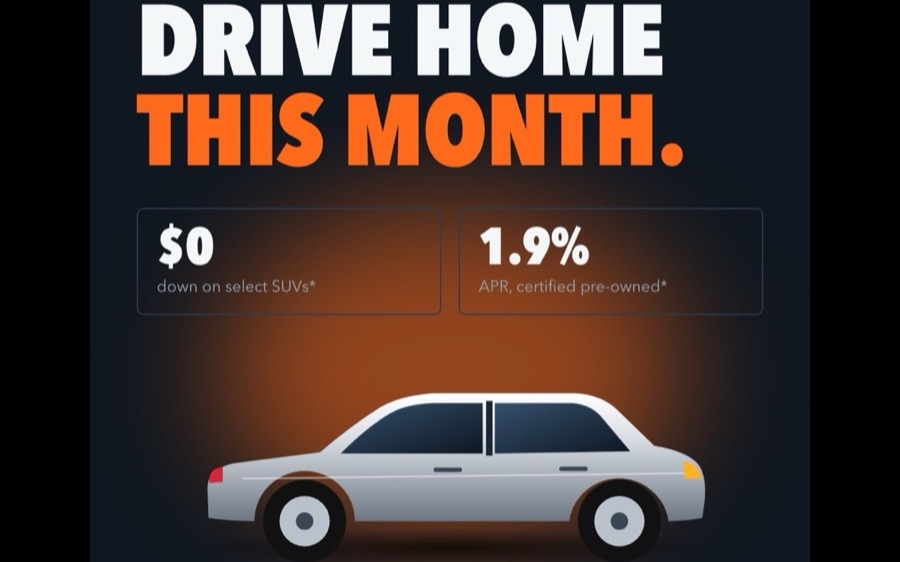
Car dealership
Promo post, carousel, Story and Reel
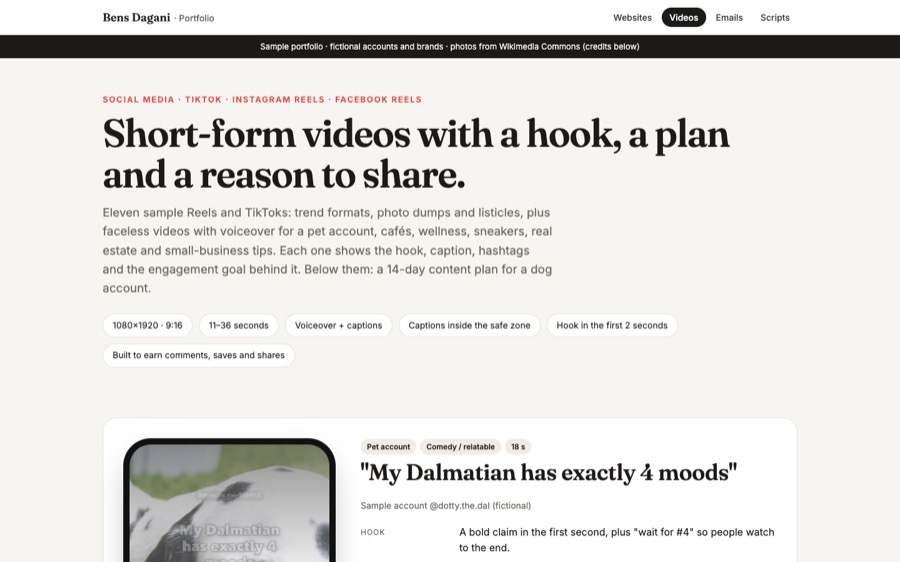
Short-form videos
11 Reels and TikToks plus a 14-day plan
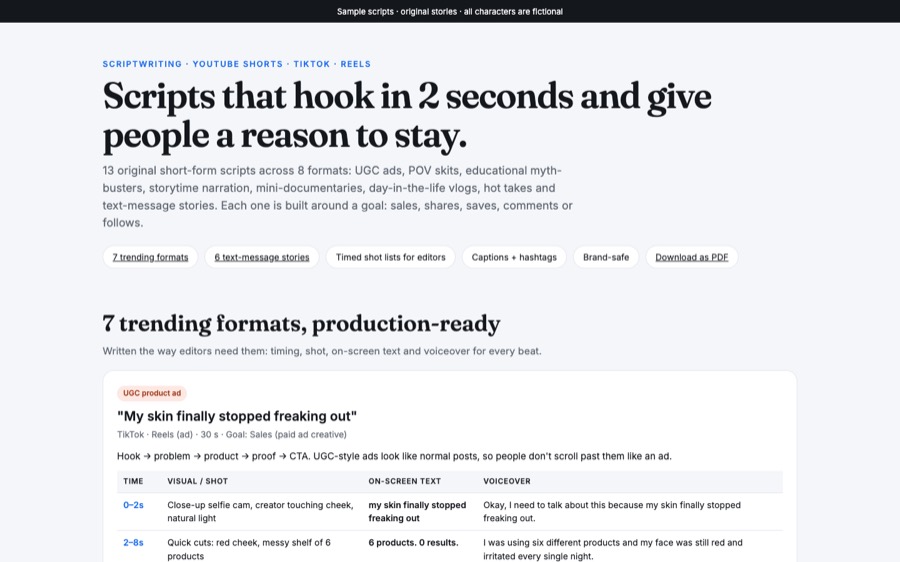
Video scripts
UGC ads, POV skits, myth-busters and more
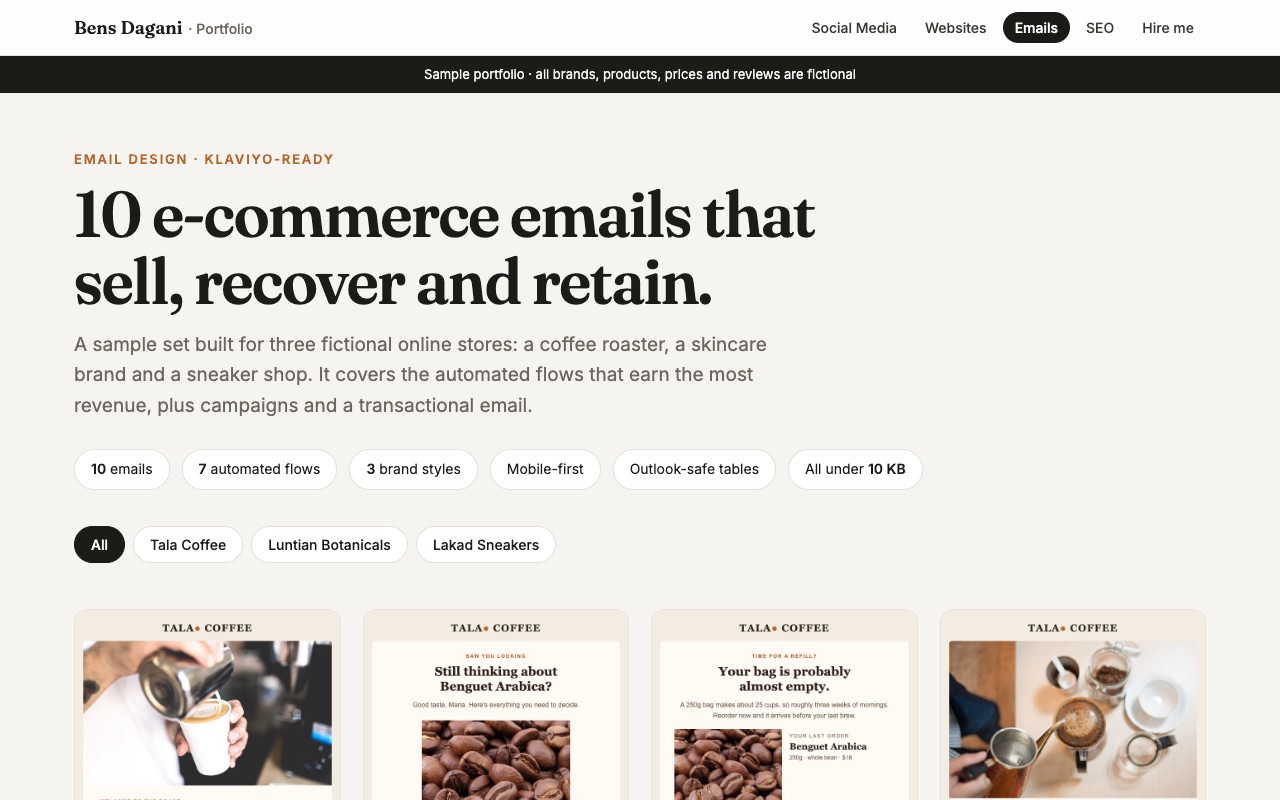
Email designs
Turn followers into repeat customers
Every month, you get
The exact number of posts depends on your plan. This is what a typical month includes.
Planning
- Monthly content calendar
- Captions and hashtags
- Promo and holiday planning
Content & posting
- Graphics, carousels and Stories
- Short-form videos (Reels / TikTok)
- Scheduling and posting
Community & results
- Comment and DM replies
- Lead list handed to you
- Monthly report and next steps
Let's plan your first month
Send me a message and I'll start with Step 1: a short discovery call.